
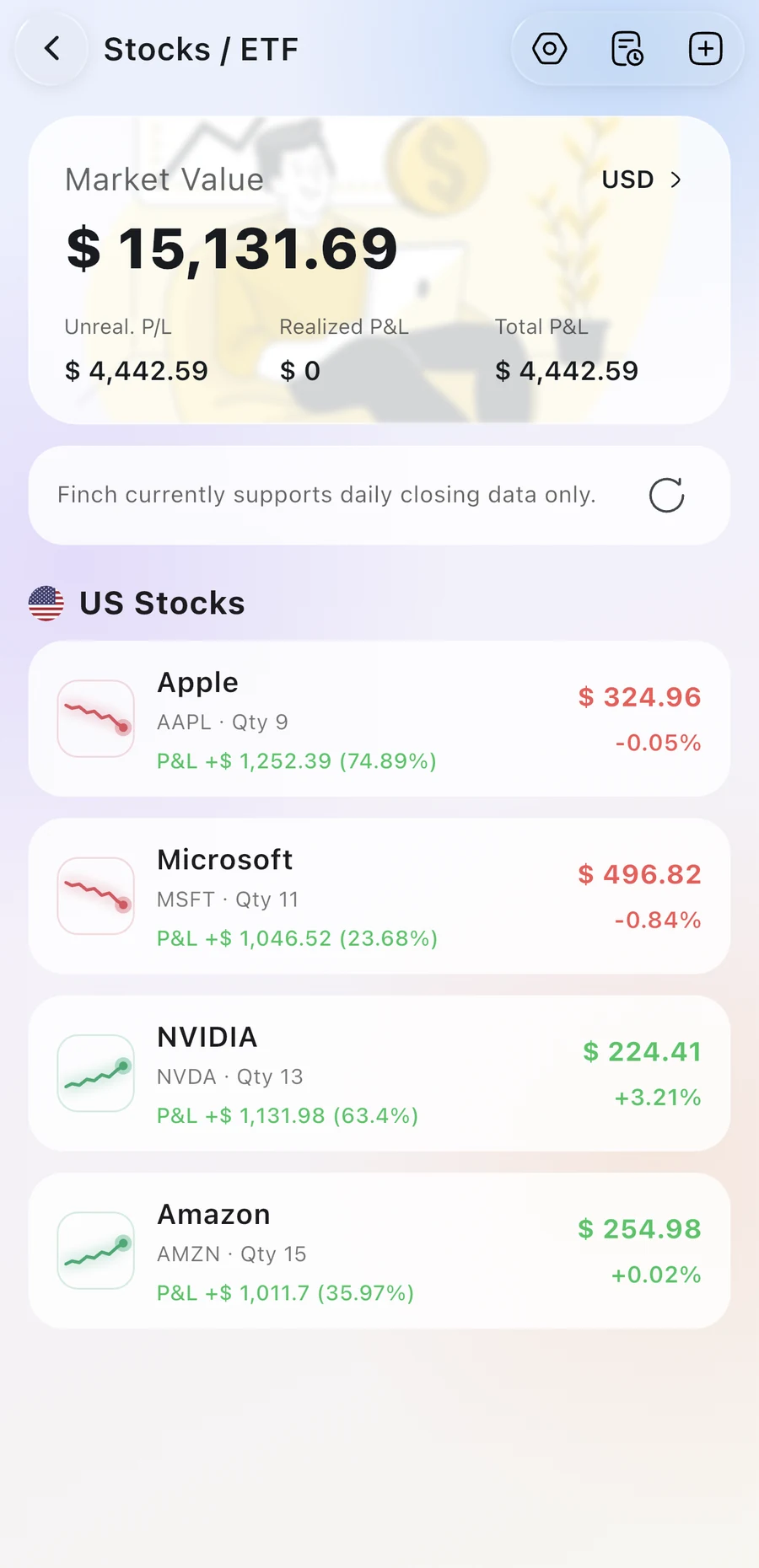
Stocks & ETFs
Buys, sells, dividends and fees across the US, Hong Kong, Taiwan, mainland China and Malaysia, with holdings and profit or loss.
Finch is your all-in-one money manager. Record every transaction six ways, then keep stocks, subscriptions, belongings, savings, loans and installments in order.
Free to download for iPhone, iPad and Android.
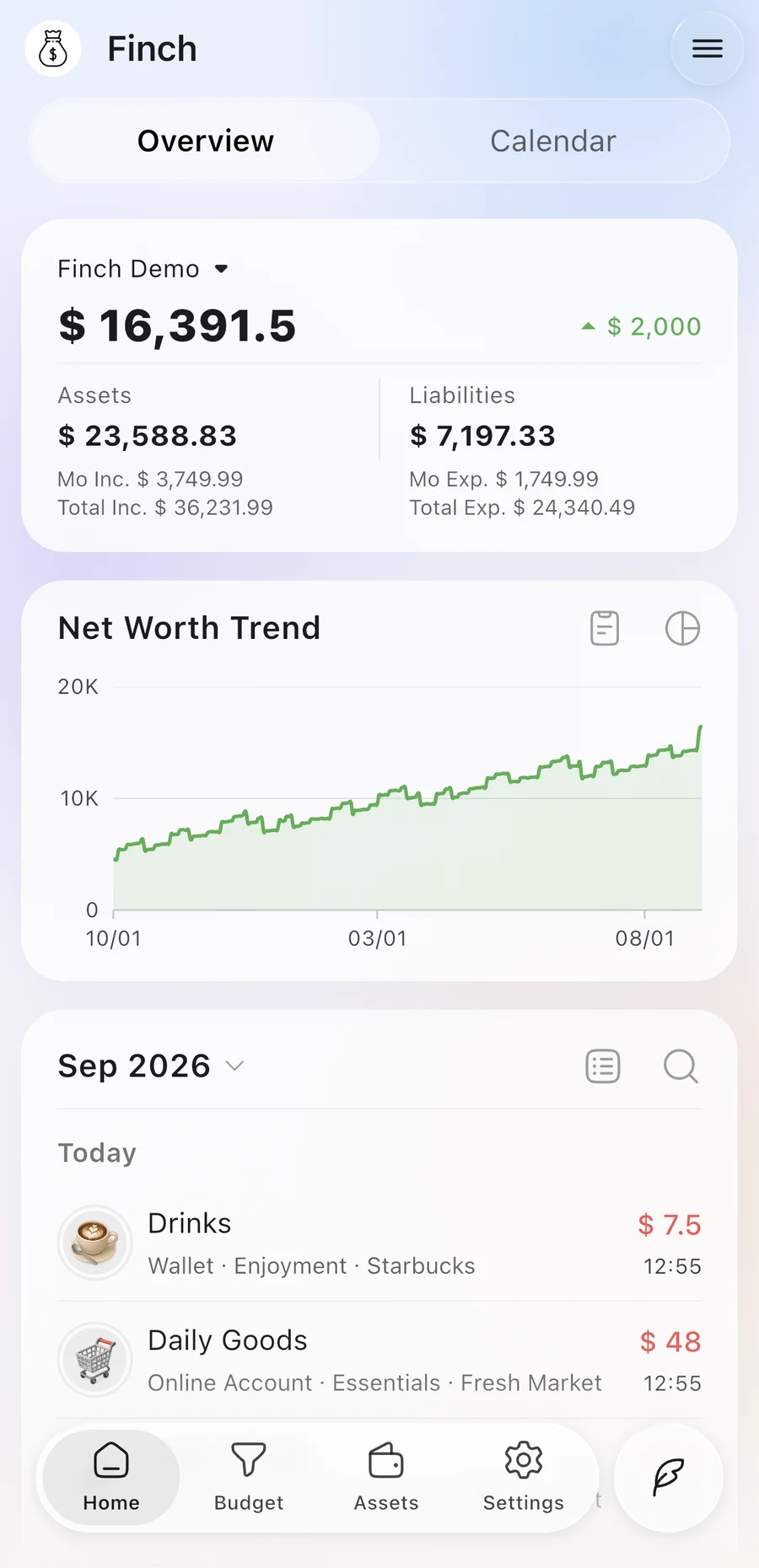
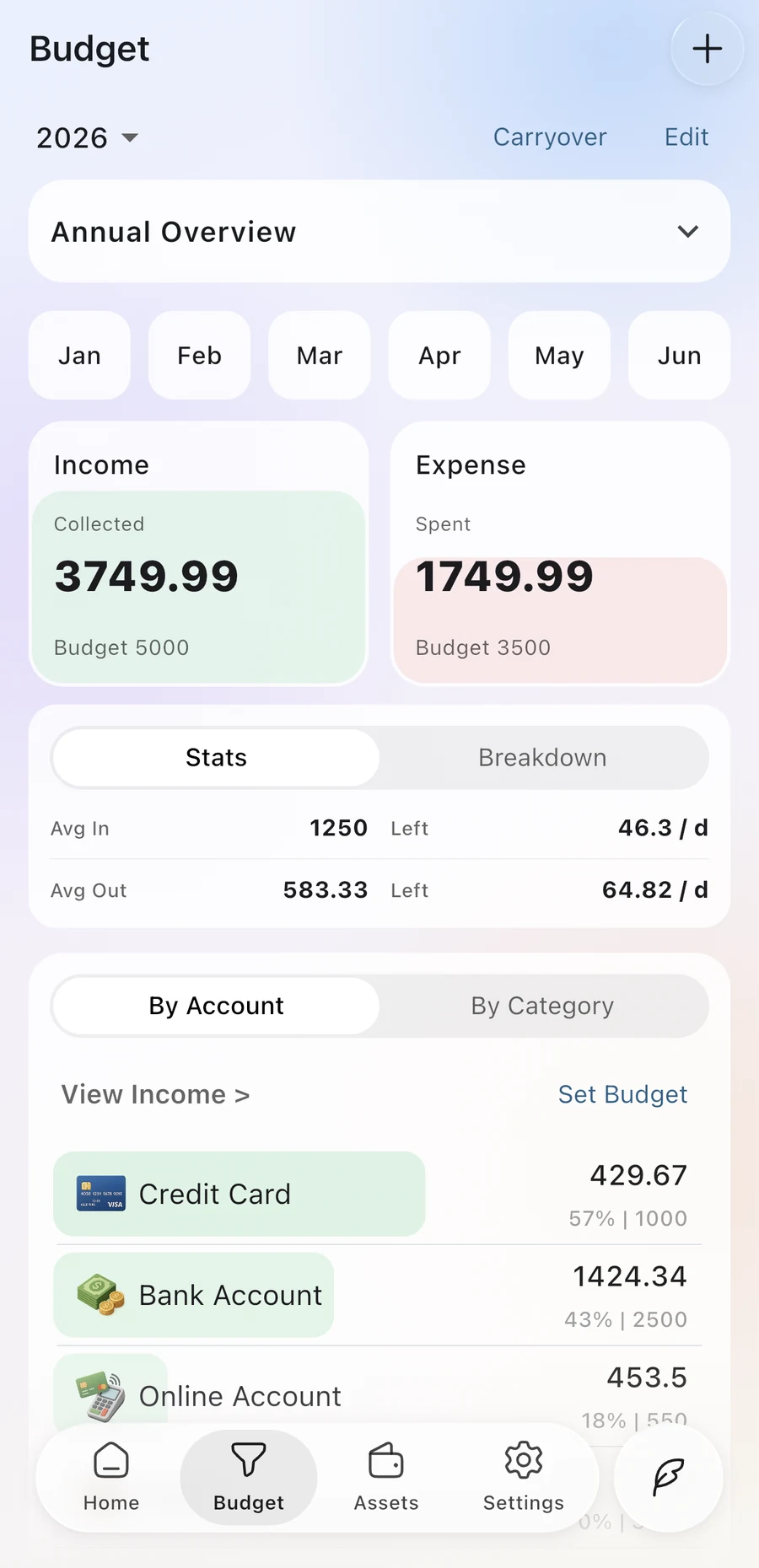
Type it, say it, snap it or let it repeat on its own. AI turns everyday language into records, and nothing is saved until you check it.
Write it like a message. AI splits one sentence into separate records.
You
lunch 12, taxi 18
Ready to review
Bookkeeping stays at the center. Everything else that shapes your finances gets a proper place too.
Buys, sells, dividends and fees across the US, Hong Kong, Taiwan, mainland China and Malaysia, with holdings and profit or loss.
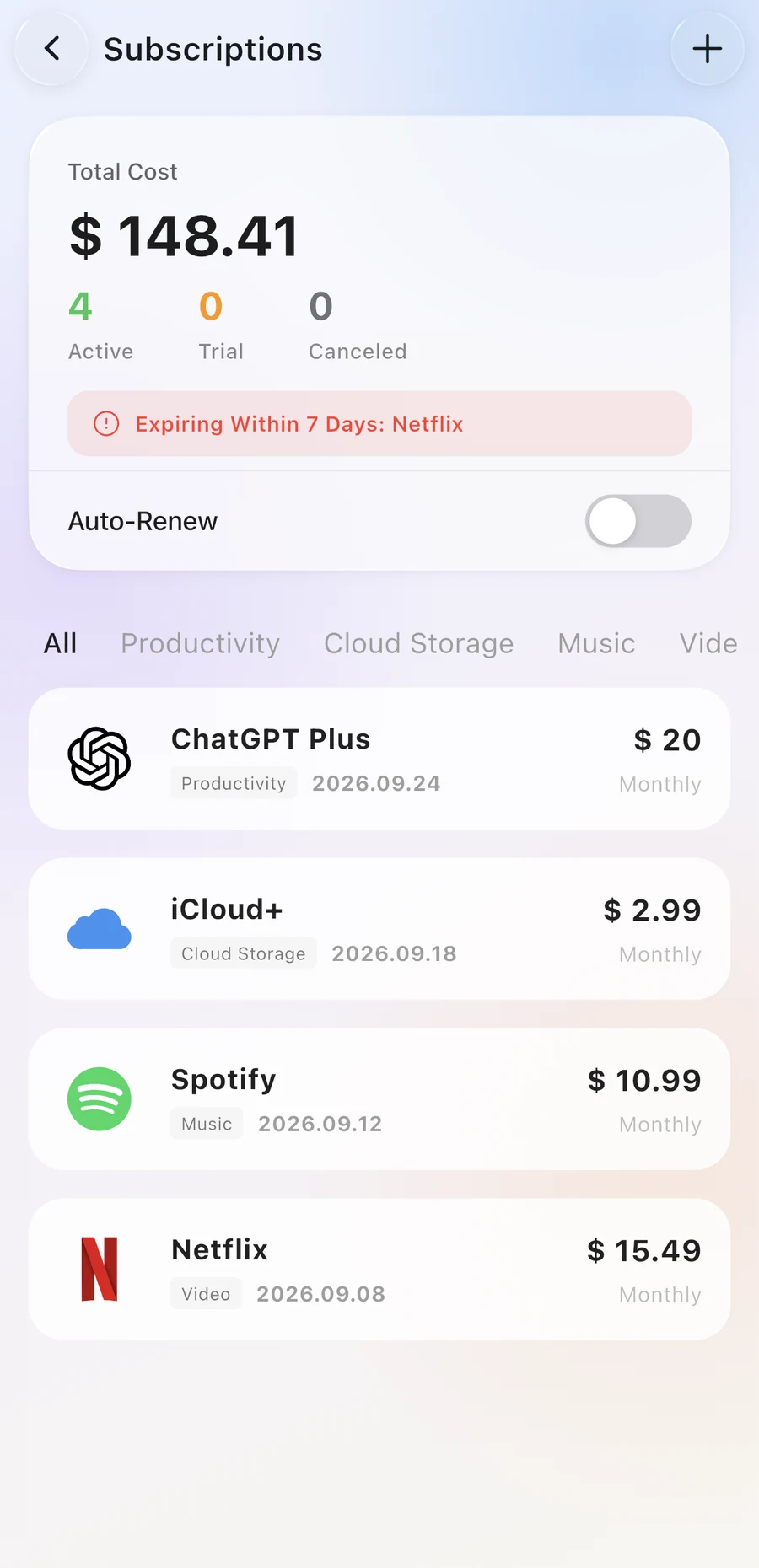
Every billing cycle, next charge and total spent, with a reminder before renewal.
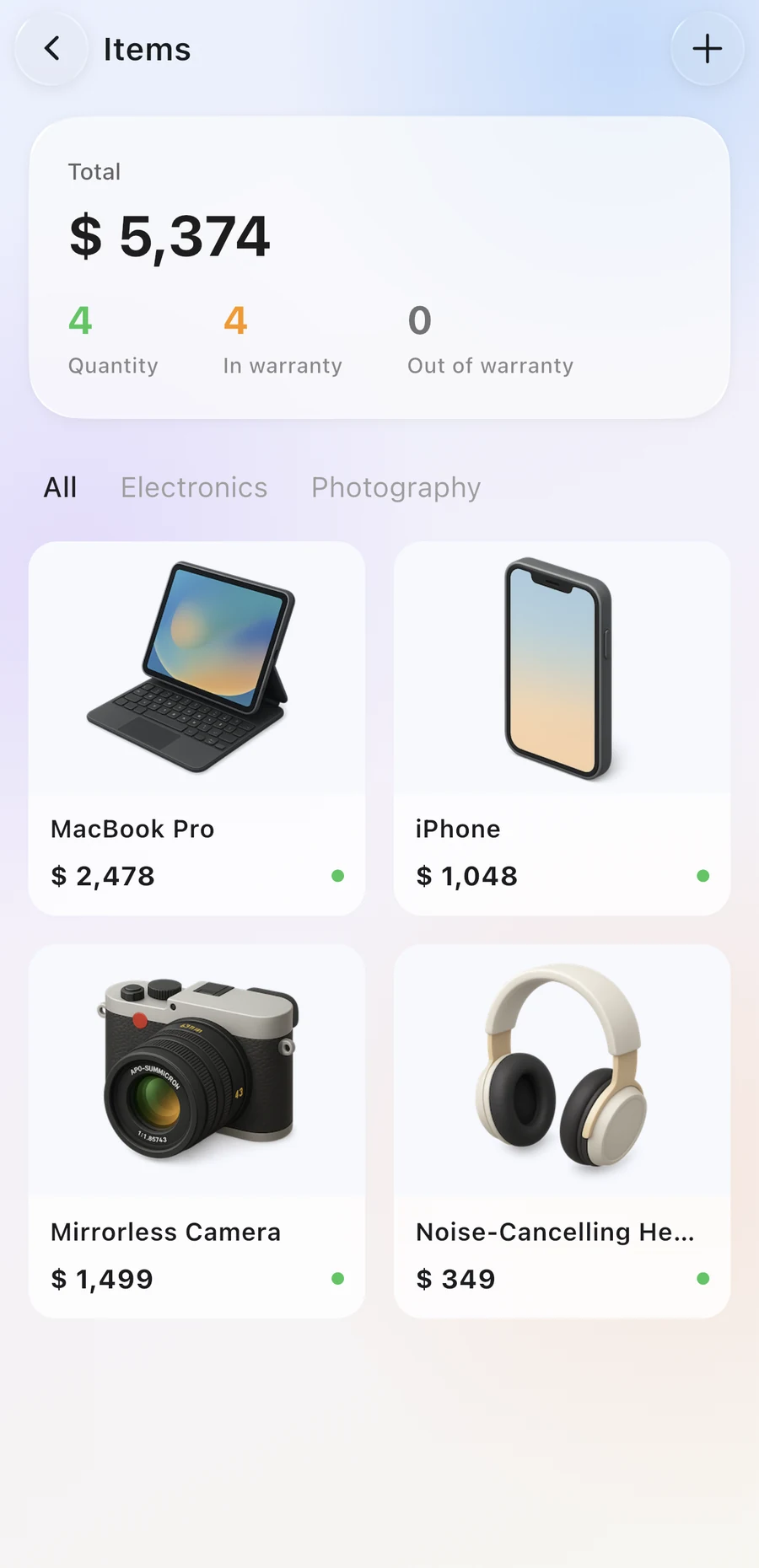
Purchase price, accessories, location and warranty, plus what each item costs you per day.
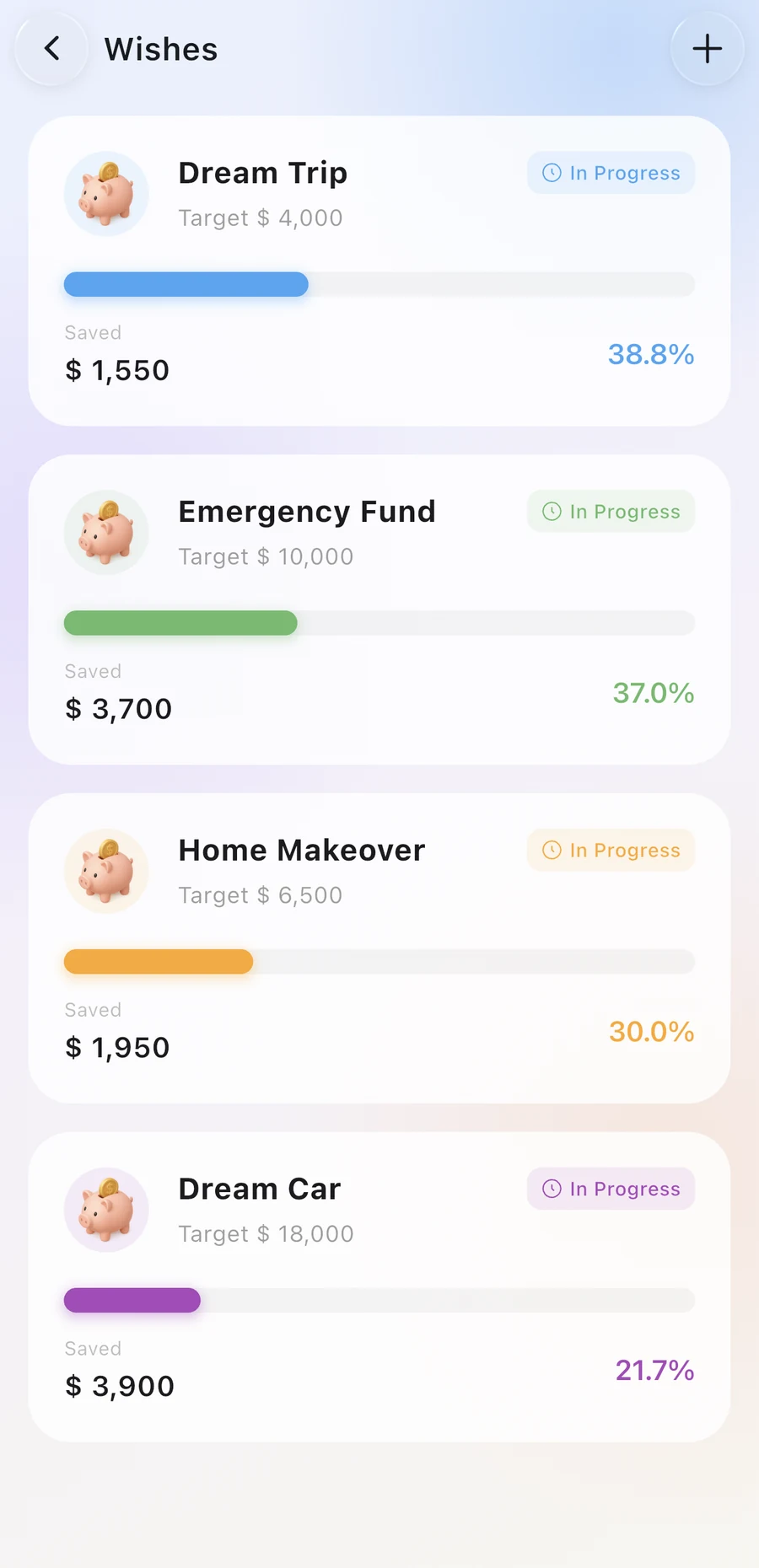
A target for something you want, with every deposit, withdrawal and step of progress.
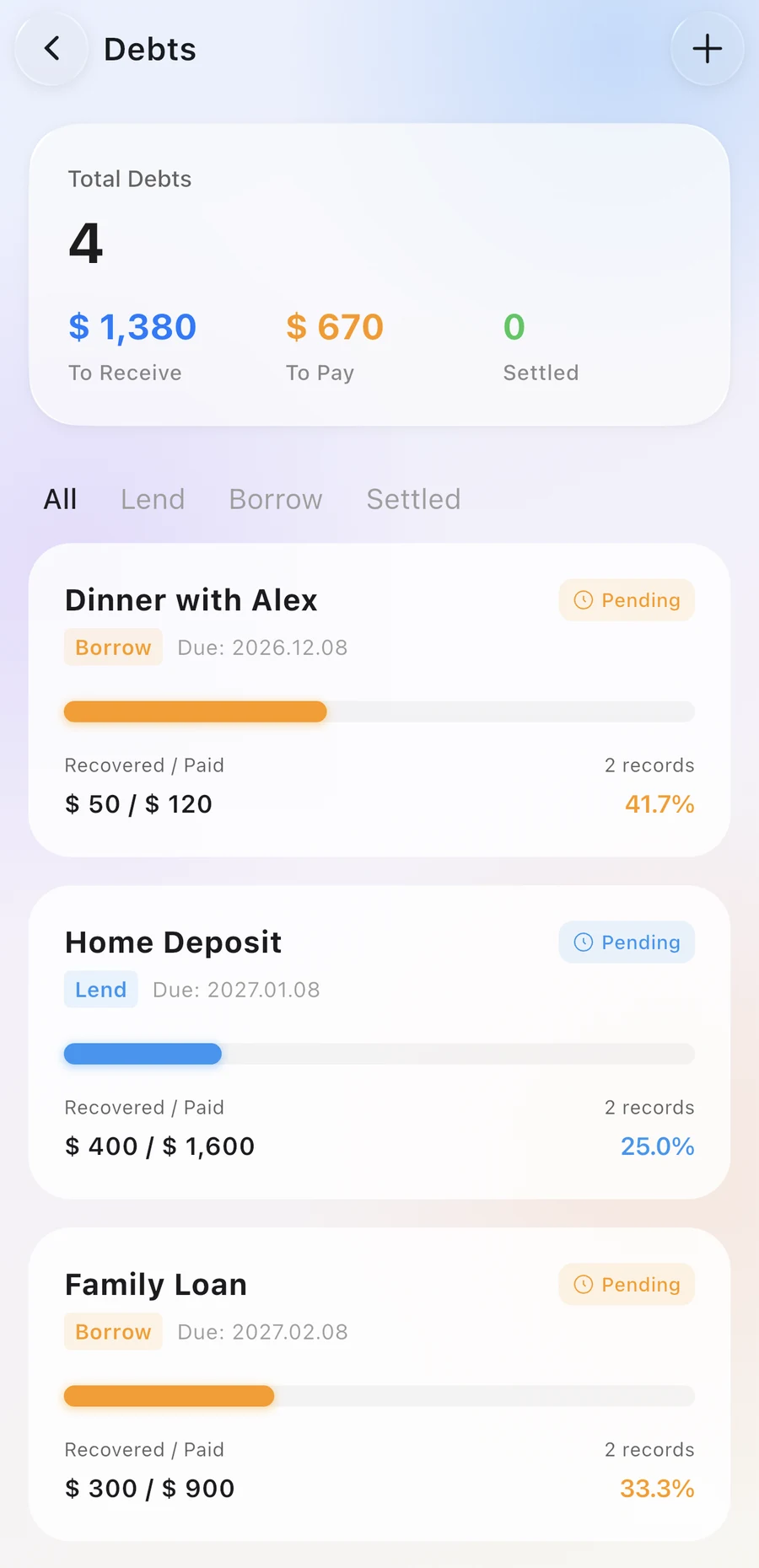
What you lent, collected, borrowed and repaid, kept clear on both sides.
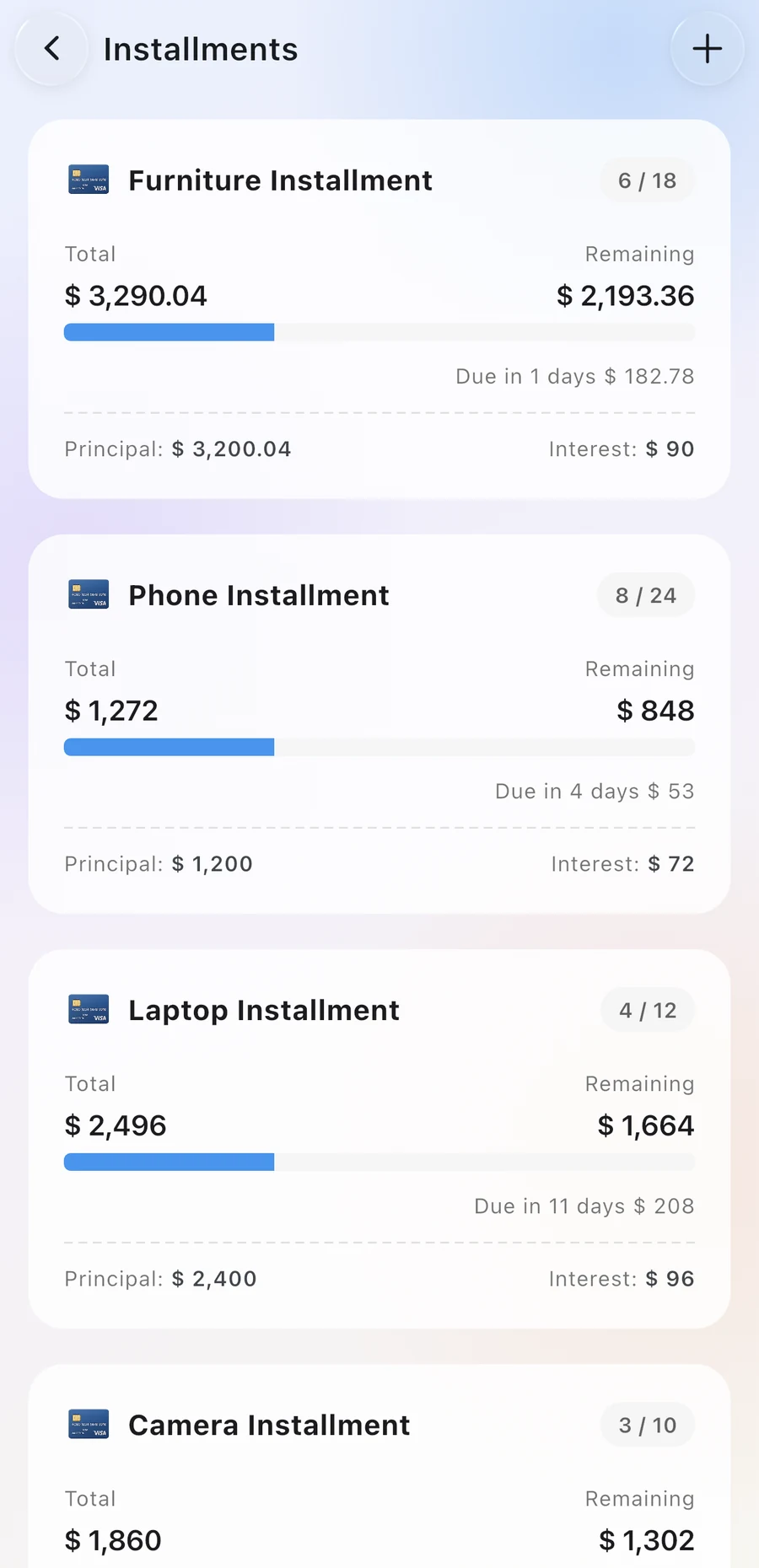
Principal and interest schedules, each payment's amount and a reminder before it's due.
Budgets and statistics that follow real life, not a spreadsheet.
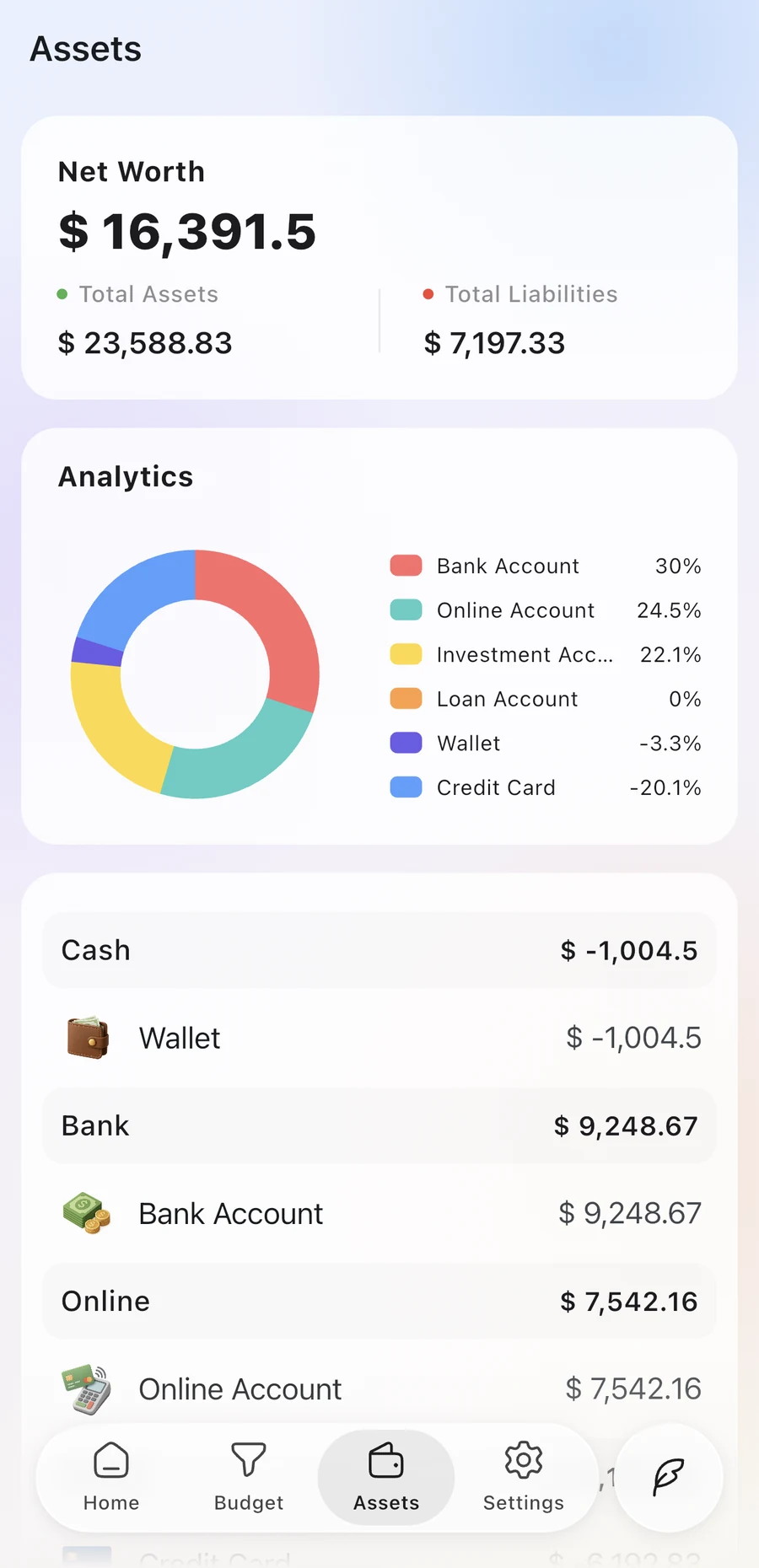
105 fiat currencies and 15 cryptocurrencies. Give each account its own currency and Finch converts the rest.
Daily logging, card payments, installments, renewals, warranties and recurring entries.
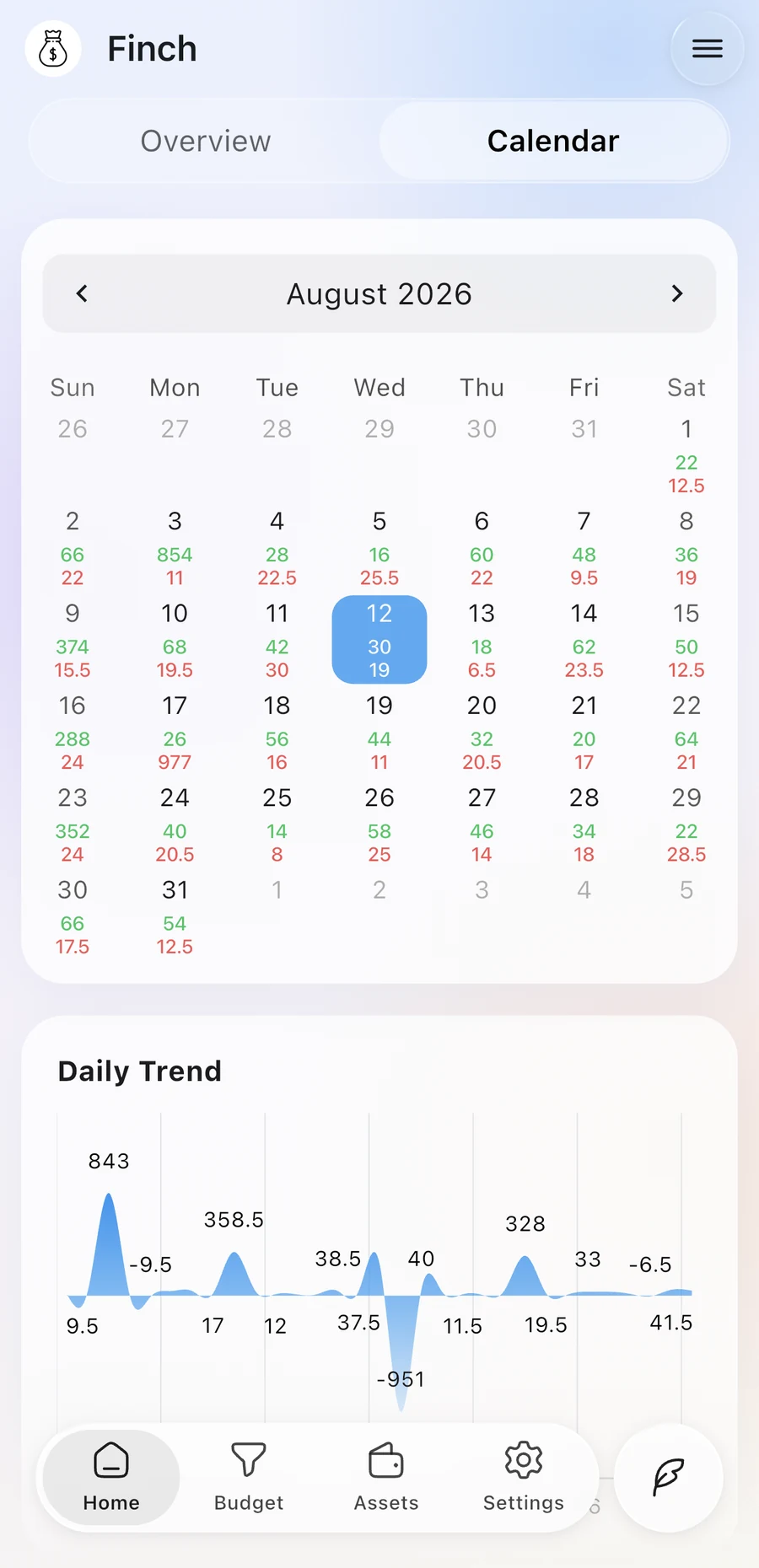
Today's and this month's income and spending, right on your home screen.
English, Spanish, Portuguese, Japanese, Korean, Malay, Indonesian, Turkish and both forms of Chinese.
Finch doesn't collect your financial data. Your records live on your device, and you decide where backups go.
Read the privacy policyFinch is free to download and includes everyday bookkeeping. A membership unlocks the extended finance tools, automatic backups and more daily AI requests.
On your device. Finch doesn't collect your financial data. If you turn on backups, they go to the iCloud, Google Drive or WebDAV account you choose.
No. AI suggests records from your text, voice or images, and you review them before anything is saved.
Yes. Import an Excel file and AI reads the spreadsheet layout to map your columns, then you preview the records before importing.
Stocks and ETFs from the US, Hong Kong, Taiwan, mainland China and Malaysia, with daily closing prices as reference quotes.
iPhone, iPad and Android phones. Shortcuts automation is available on iPhone.

Finch is free to download on iPhone, iPad and Android.